Color Dare Design Team Challenge 702
Bixby Creek Bridge
Bold Title With Fussy Cutting
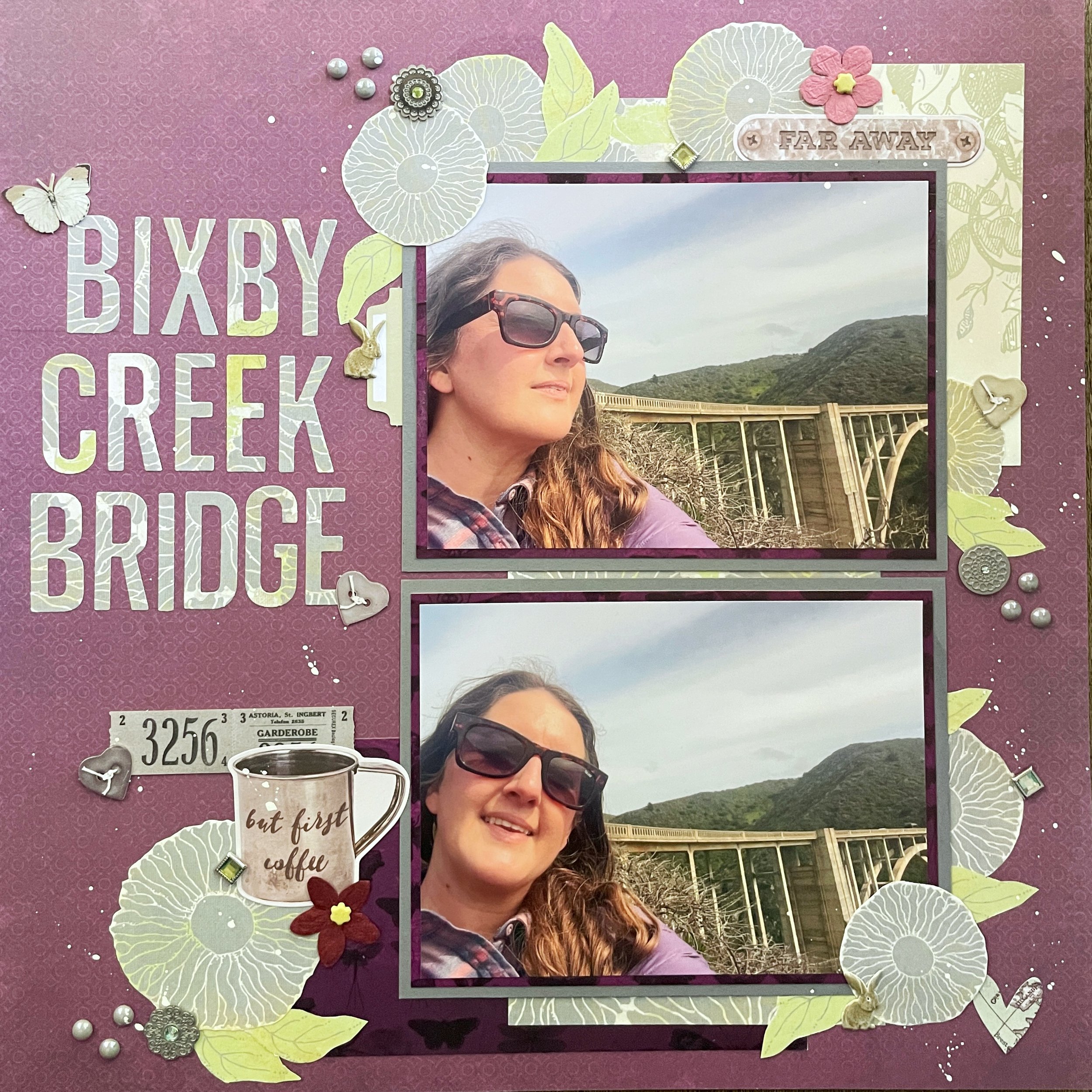
Hi scrappers! I’m back from a quick vacation to the Pacific Northwest that was lots of fun and very refreshing (and also my excuse for not making very many new pages this month.)
The page I have for you today uses some photos taken in front of the famous Bixby Creek Bridge that’s located along California’s central coast. It’s very old and very unique, not to mention surrounded by beautiful ocean views. It’s a popular spot for travelers to stop and take pictures on their way to places like Big Sur or Carmel by the Sea.
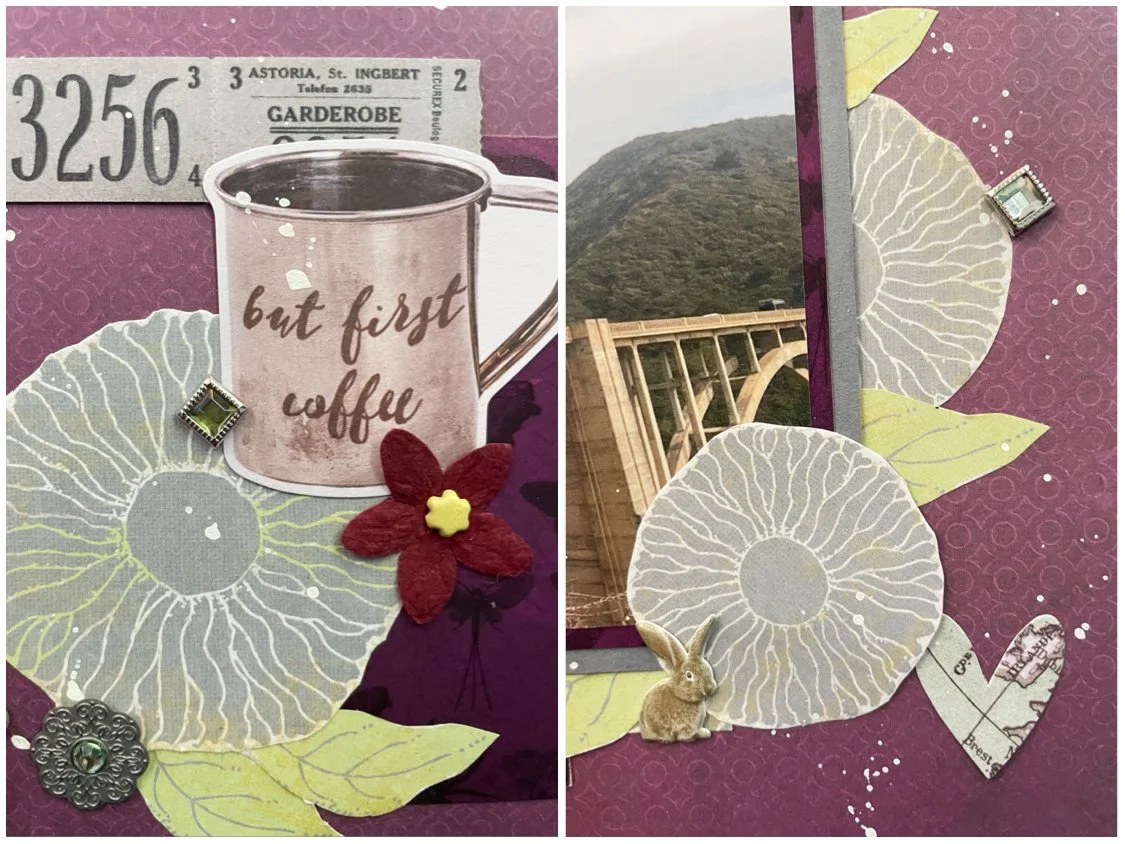
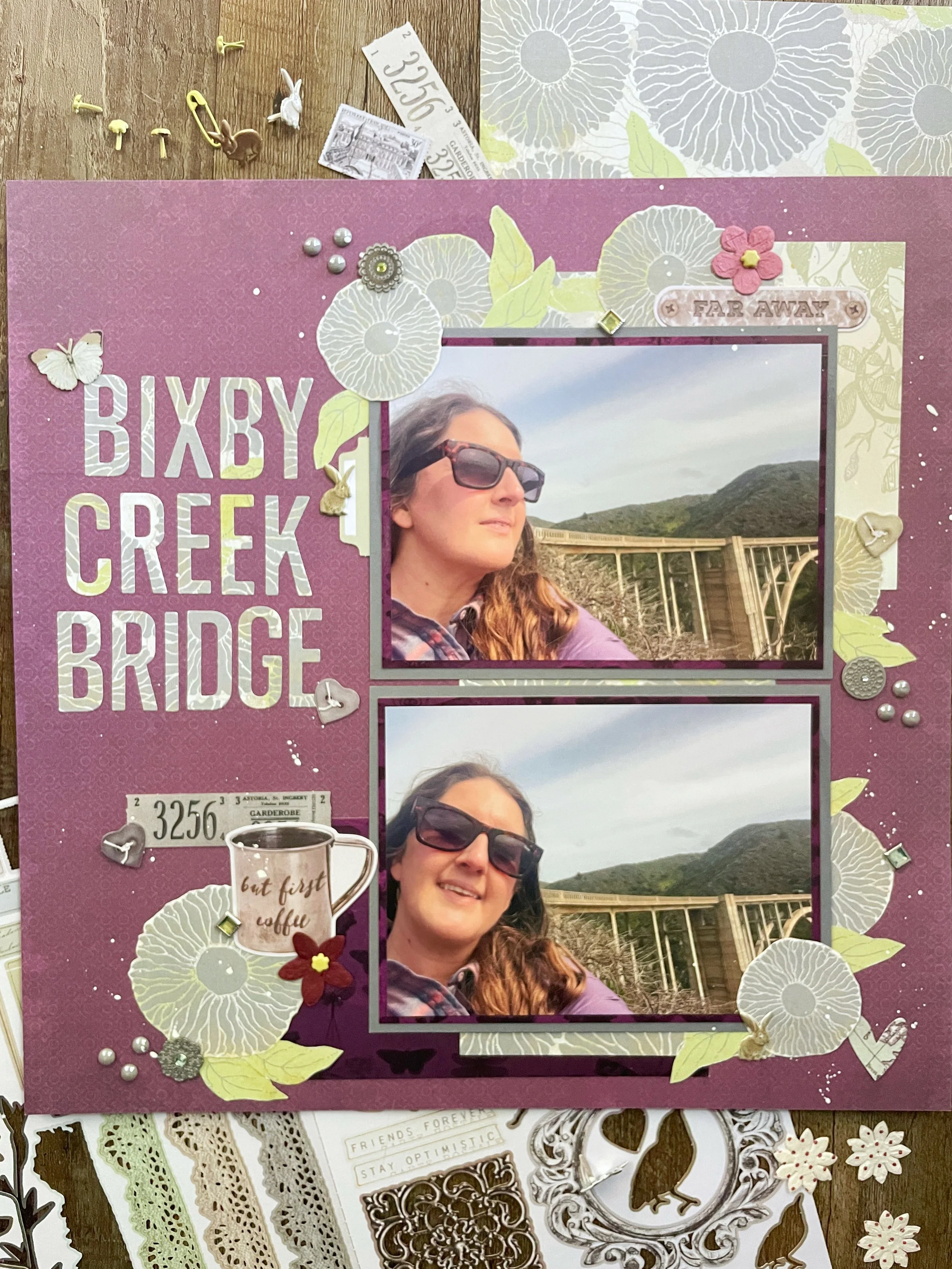
I used purple paper by 49 and Market because it matched my jacket in the photos. I then chose a piece of paper with gray and green flowers (brand unknown) and fussy cut some flowers and leaves out to use as embellishments. I also used some die cuts by Tim Holtz with this same paper to make my bold title. It really stands out against the dark purple paper!
I double matted my photos with scraps I already had and used the last bit of purple insect paper left over in the lower left corner. I added a paper scrap with green foliage to the upper right corner for balance. I’m thrilled to say I actually used up two items from my stash: Some Simple Stories ephemera and brads by Bo Bunny! Does that justify the roughly 10 new products I just bought this month? Nope! But at least I’m working through older items!
I finished with some bejeweled metal stickers, pearl enamel dots by Craft Consortium, bunny brads by Eyelet Outlet, and some laser cut elements by 49 and Market. I was going to mist the page with some new, slate gray ink I got, but opted for white paint because the contrast would be better. I think it was the right call!
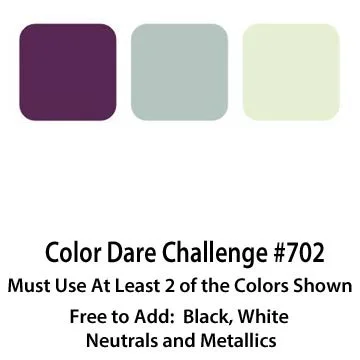
Join us at Color Dare and create a project using 2 or all of the colors shown. I feel like this was a really unique color combo and I had fun putting my page together.
This page was also made for the Cherry Lift challenge at A Cherry Top Crafts. I chose the sketch above by barefootscrapbooker. I rotated it 90 degrees clockwise to fit the photos I had.
That’s all for this week. Thank you for stopping by my page! I post on Instagram and YouTube with additional scrapbooking content!